01
Pick the subject
Choose what customers should notice: a returning color, a new product, or a service you can book again.

FOUNDING OFFERSign up to unlock 35% off your first plan.

Need regular Instagram posts? Our content creation service turns your business photos into images, videos and captions for you to publish.
Choose what customers should notice: a returning color, a new product, or a service you can book again.
Browse Inspiration, check the format, and send the photos listed for that style. The team produces and reviews your request.
Download the finished creative and its caption. Check today’s stock or booking details, then post from your business account.
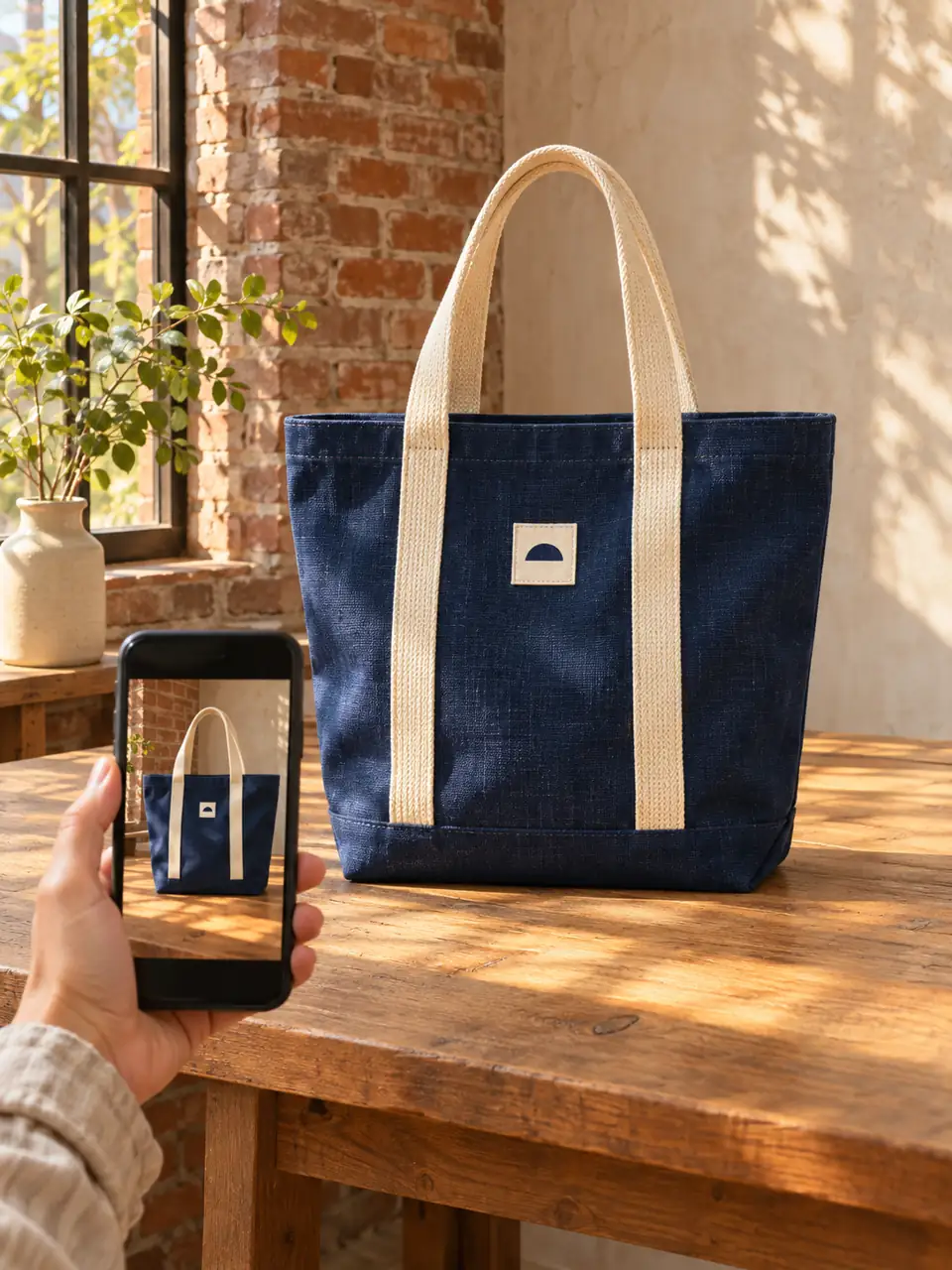
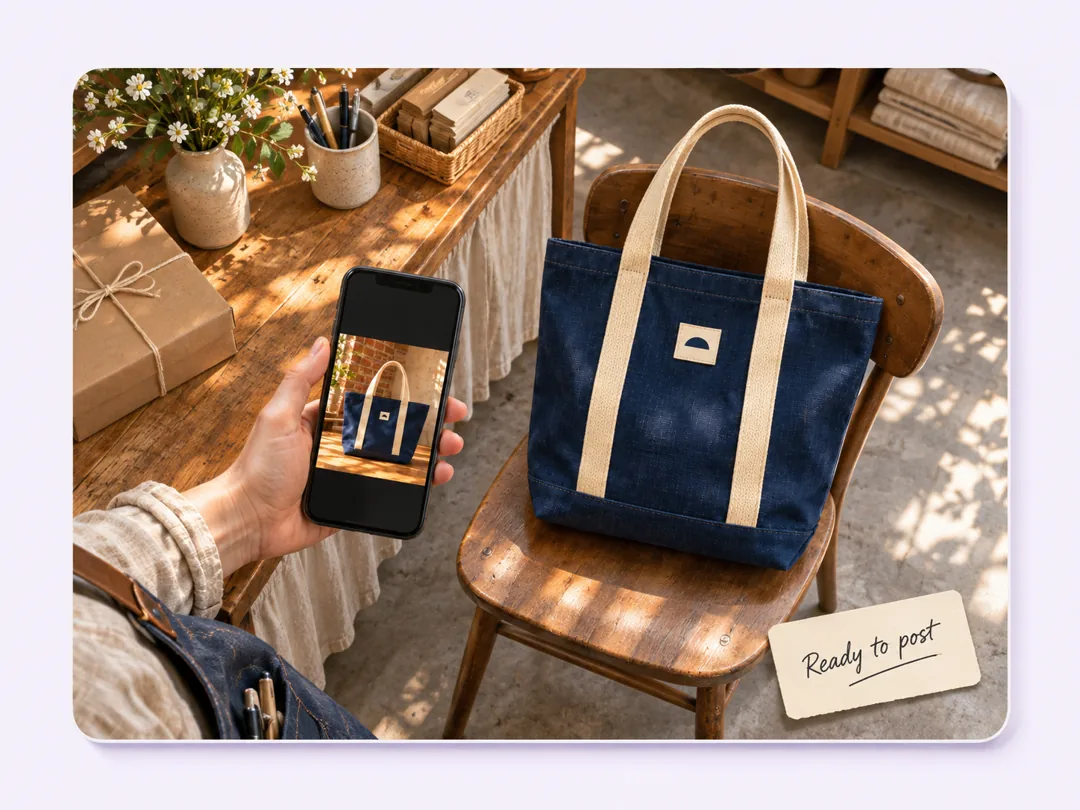
When a familiar item returns, customers want to recognize it. Send a clear photo of the item you actually have; Stillmore can build the post around its color, shape, and details.
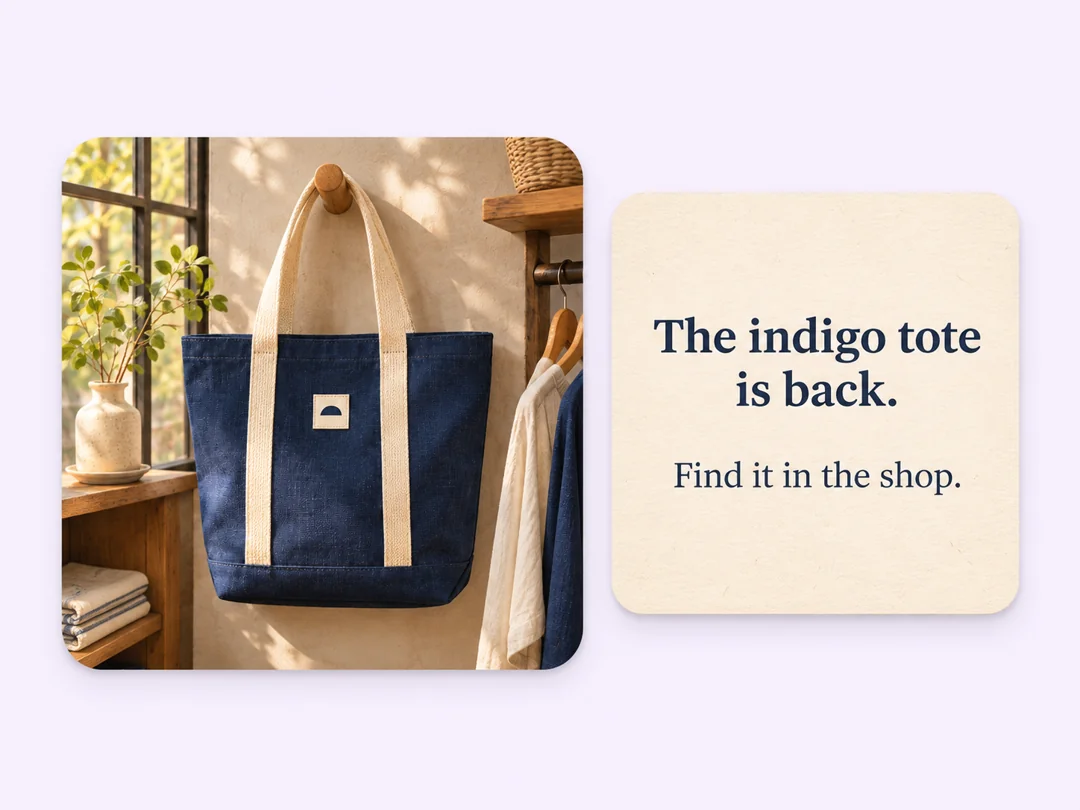
A single feed image works when the news fits in a sentence: the indigo tote is back. Stillmore makes a still your customers can recognize at a glance while scrolling.
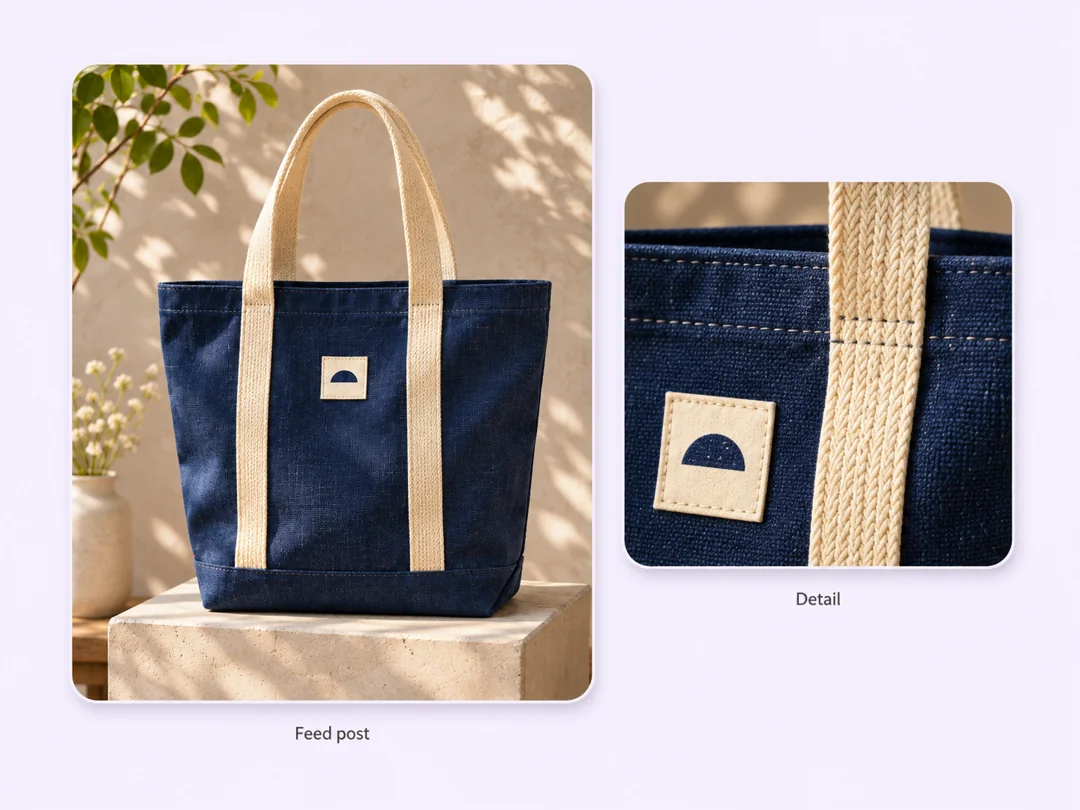
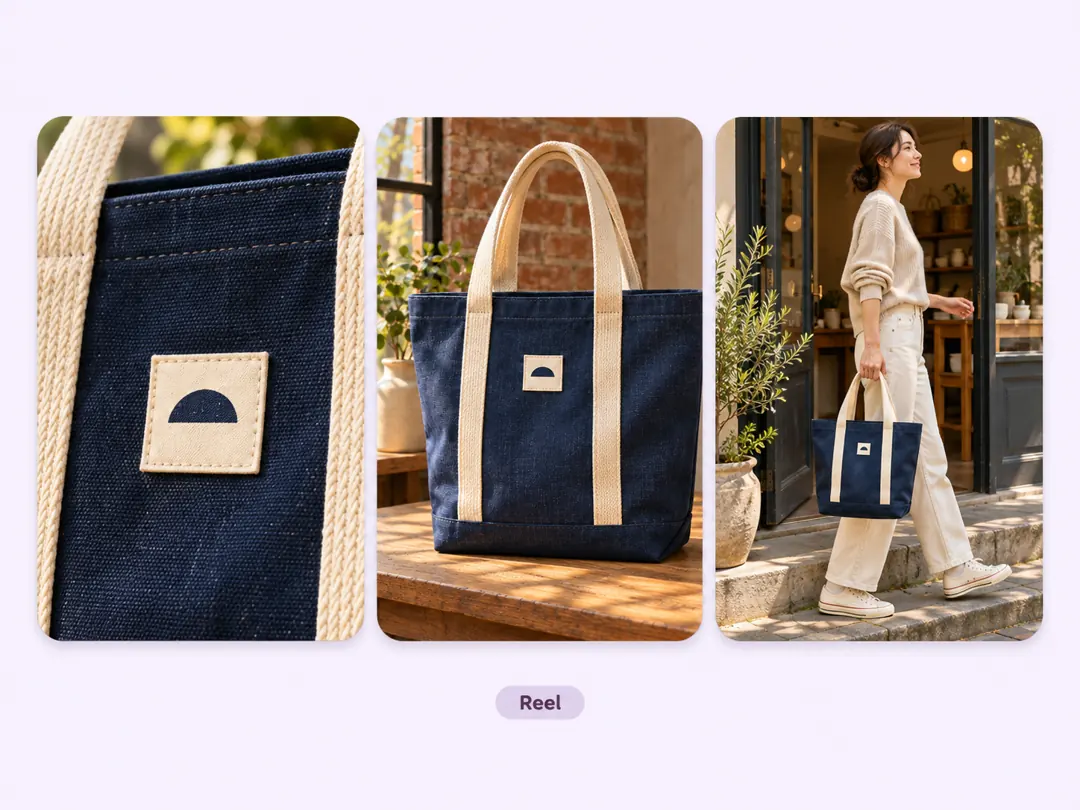
A close-up shows the weave; seeing the bag beside a person shows its size. Choose a vertical video style for your Reel, and Stillmore handles the motion and checks the finished piece.
The photo shows what came back. Stillmore supplies a caption to go with it; before you post, add the detail only you know, like which location has it on the shelf today.
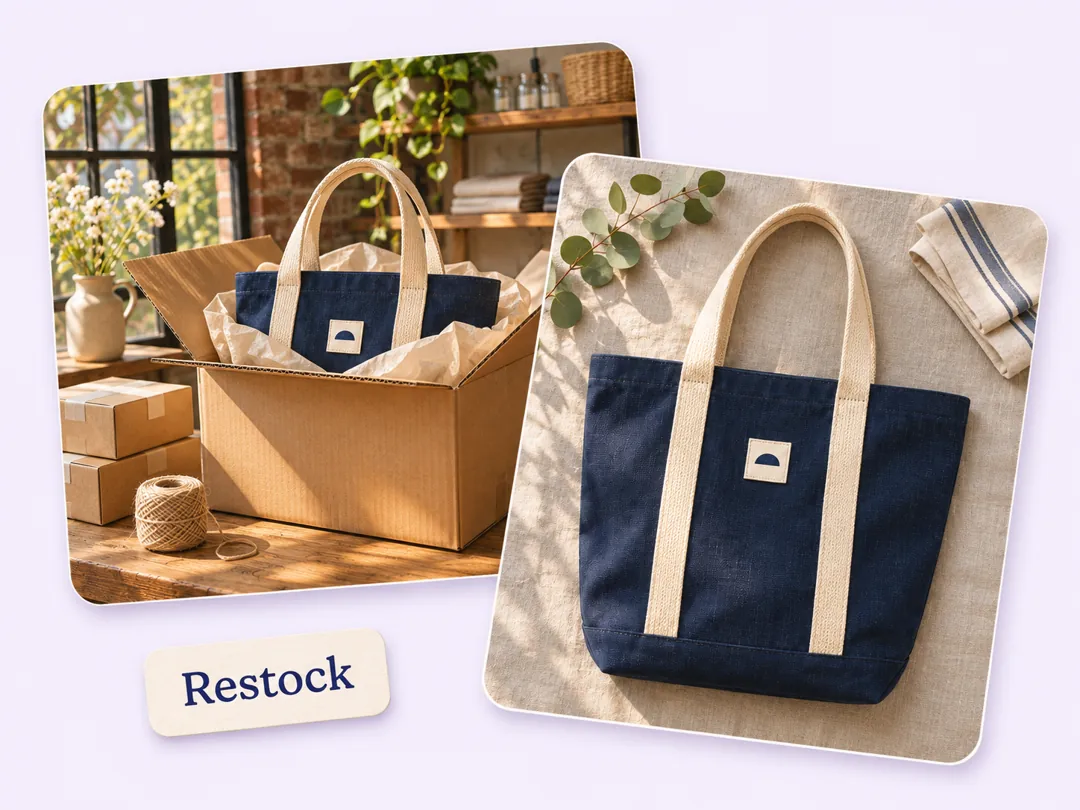
A delivery truck can run late. The finished image or video stays in My Creations, so you can download it and publish when customers can actually get the item.
Restocking is the only interesting thing that happens in a flower shop and I never had time to film it. Now I send a photo of what came in and get a post and a caption back, and my feed has not gone quiet since. I send a photo of what came in and get a post and a caption back, and the feed has not gone quiet since.
Tansy
I am not on social media and I have made peace with that. Sending four photos from the counter and having somebody else turn them into something worth looking at is the only version of this I was ever going to do. I send four photos from the counter and somebody else turns them into something worth looking at.

Owen
The tray comes out of the oven at six and it is gone by nine, so there is never a moment to photograph it properly. The photos I take on the pass are enough, and the posts keep coming without me thinking about them. The photos I take on the pass are enough, and the posts keep coming without me thinking about them.

Bahar
Have a restock date in mind? Choose an Inspiration and send its required materials. Our team makes and checks that piece.
Have photos but no time to plan posts? Enable automatic creation once your Library meets the minimum. The team picks suitable photos and styles.
Stillmore turns your business photos into an advertising image or video and supplies the matching social caption. A team makes and reviews the piece. You choose when it appears on Instagram.
Yes. Use clear, current photos you have permission to use. A full view helps shoppers recognize the item; a close-up is useful when texture or construction matters. For a request you submit yourself, follow the material requirements on the Inspiration you choose.
Yes. To use automatic creation, add at least 3 photos to your Library on Try it or 15 on Growth, then enable “Stillmore creates for me.” The team selects suitable photos and styles. If you have a particular product in mind, choose an Inspiration and submit the request yourself.
Allow up to five days for a request you submit yourself. The clock starts once Stillmore has the complete request, payment, and all required materials. If the shipment date is uncertain, keep the finished post until the stock arrives.
Choose an image when shoppers mostly need to recognize the item or read a short update. Choose a vertical video style when a reveal or a change in viewpoint helps show the product. Check the format of the Inspiration before you submit.
You publish it yourself. Download the finished piece from My Creations, review the supplied caption, and post from your own account. Stillmore doesn’t need your Instagram password or manage your posting schedule.

Pick the style that fits your next Instagram post, then send the photos you already have.