FOUNDING OFFERSign up to unlock 35% off your first plan.

Product Launch Video

Introduce an amber lamp in stages: glimpse the glow in a teaser, then show the full shape and switch when the product launches.

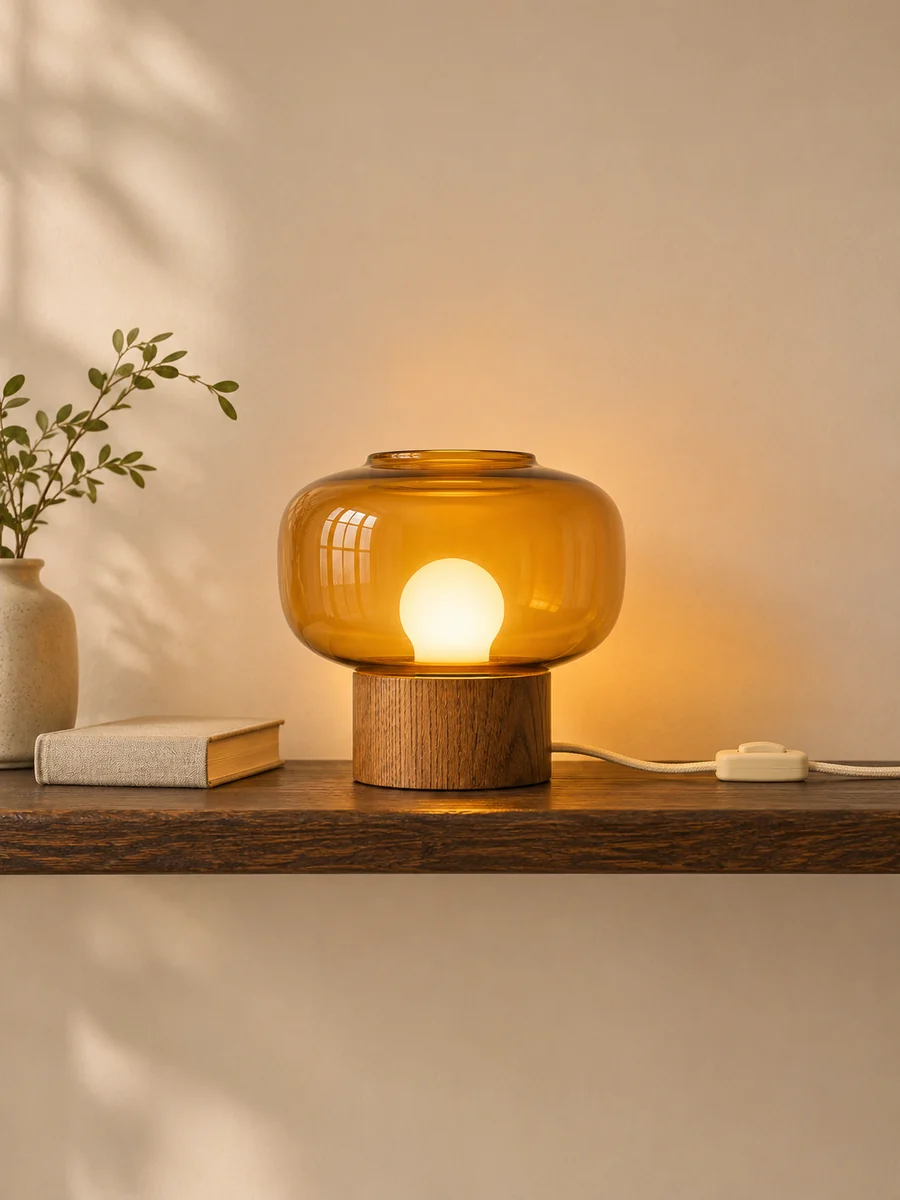
An amber-glass lamp glows above its oak base on a shelf.

What should a teaser give away?

Before the launch
A product teaser video might show the amber glow and a sliver of the base. Keep the product name or release date only if you are ready to announce it.
On release day
Give the new product launch video a complete, representative view. In this case the full lamp, its proportions and the switch answer questions that the teaser intentionally left open.

Which part of the new product should I reveal first, and what belongs in the launch post?

What is the video’s job before launch?

A product teaser video gives shoppers a reason to notice an upcoming release and tells them what they can do now. For the amber table lamp, a cropped view of the glass can introduce the product before ordering opens. Tell Stillmore whether the next step is to join a waitlist, sign up for updates or return on a confirmed date. The opening and caption can then match that action.
Product teaser videoPrelaunch campaignWaitlist
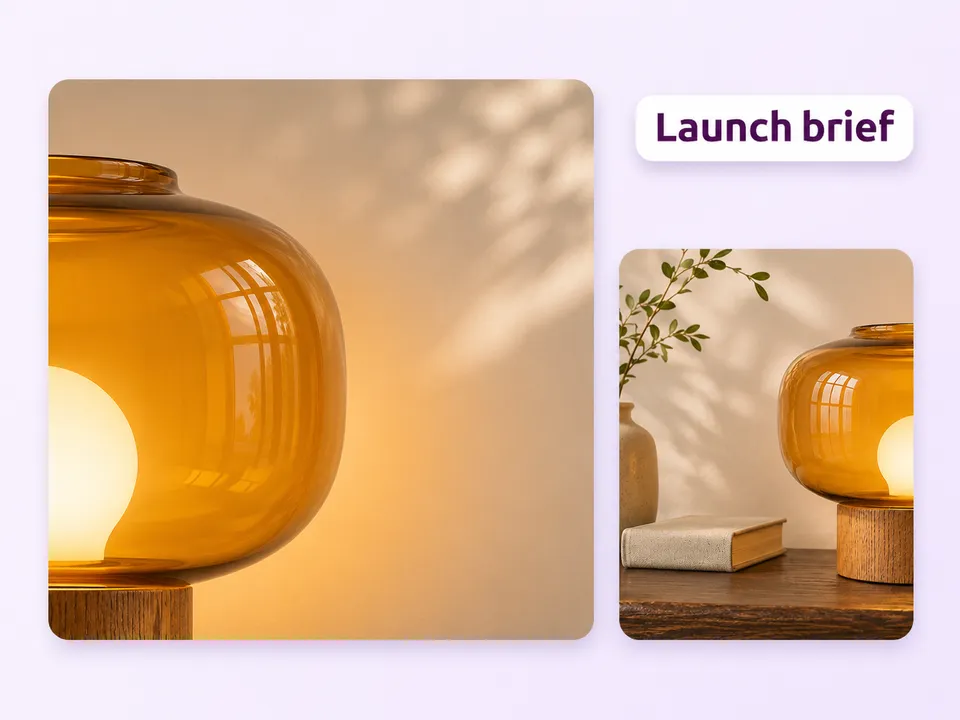
A cropped amber lampshade and part of its oak base appear beside a second partial shelf view.

How can product photos set up a reveal?

A product launch video from photos can introduce one distinctive detail and repeat it when the full product appears. Share a close-up of the amber glass and a wider photo of the same lamp at a similar angle. Stillmore can sequence the detail, the joint with the oak base and the full view. The repeated shade gives shoppers a visual connection between the teaser and the reveal.

Product launch video from photosDetail shotReveal sequence
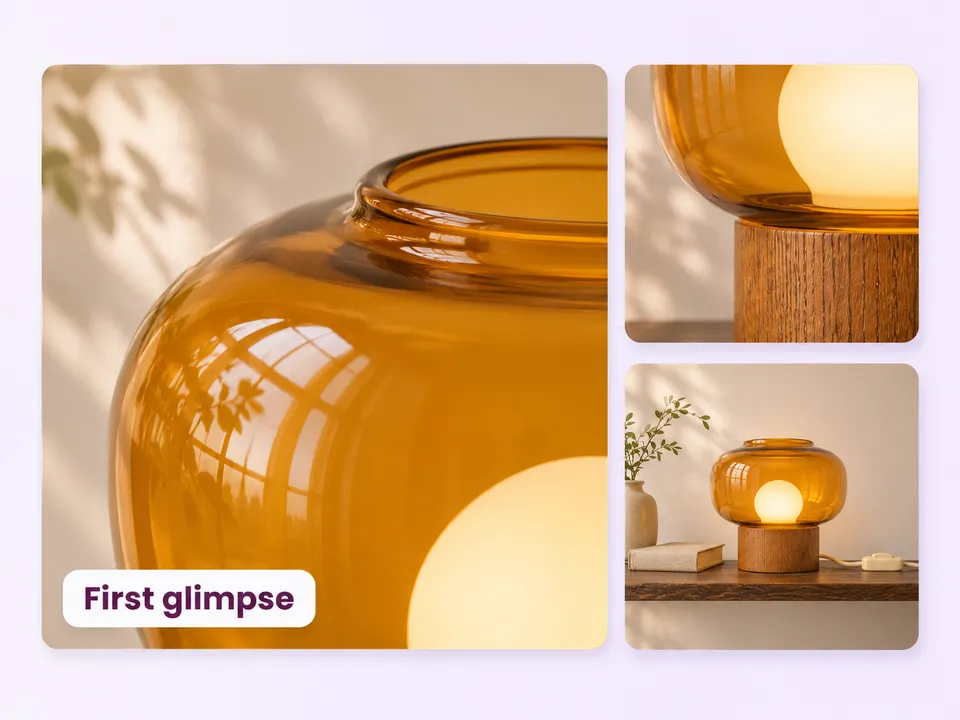
A close-up of amber glass dominates, with smaller views of the globe-to-base joint and the complete lit lamp.

What should the full reveal show?

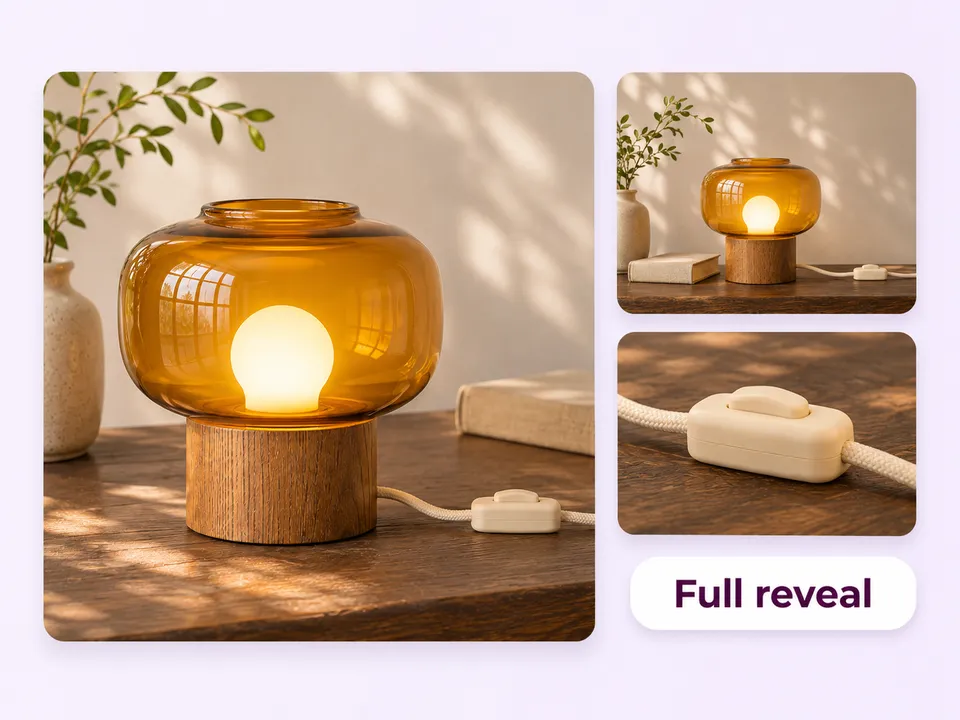
The full reveal should show the configuration shoppers can order. For the amber table lamp, include the shade, oak base and cord, then use a separate close-up if the switch is difficult to see. Send references for the actual color and finish you are launching. Stillmore can check the creative against those photos so the release video and the product page show the same item.

New product launch videoProduct revealConfiguration
The entire illuminated amber lamp appears beside a shelf view and a close-up of its ivory cord switch.

Which photos help shoppers judge scale?

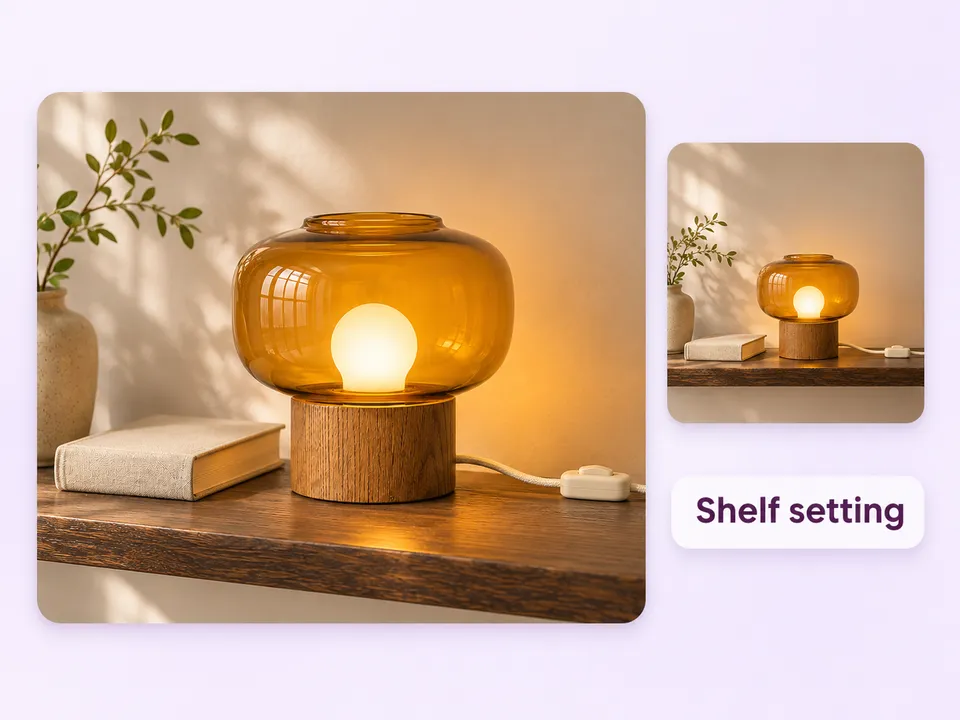
An in-room product photo gives a shopper visual context for the lamp’s size and the kind of light it gives off. Photograph the actual lamp on a shelf or side table alongside a familiar item, such as a book. Stillmore can use that frame after the full product reveal to show the lamp at home. Use the product listing for exact dimensions and keep the photo focused on how the lamp fits the space.

In-room product photoVisual scaleLamp styling
The lamp casts warm light across a shelf beside a closed book.

What belongs in the launch-day caption?

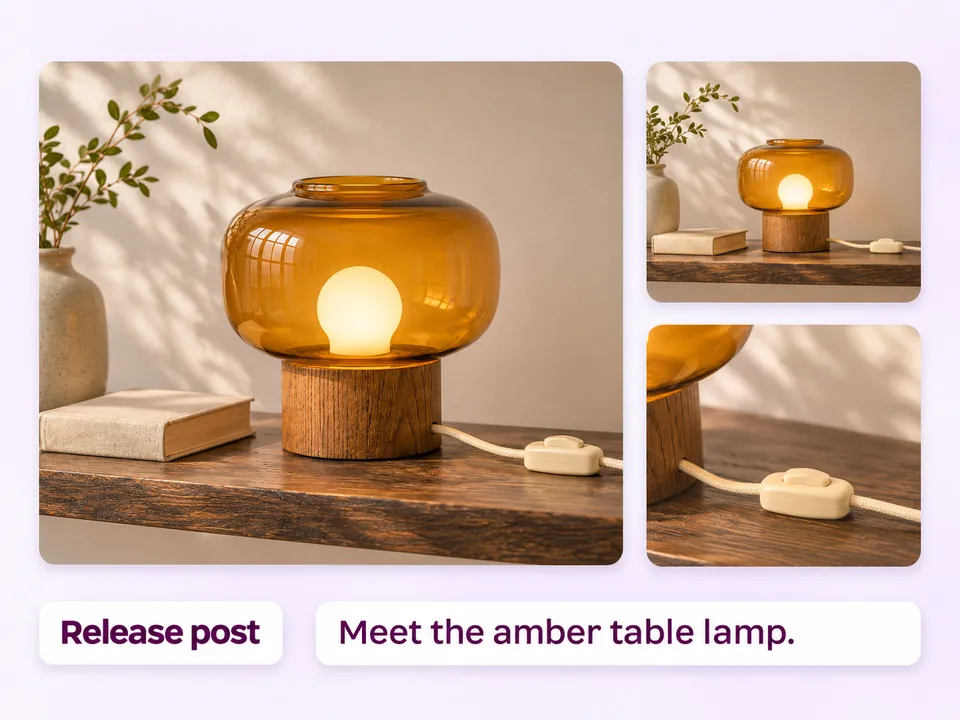
A launch-day caption should name the product, state whether it is available and point to the next action. For the amber lamp, confirm the public product link and which version is ready to order before the post goes out. Stillmore delivers the creative and matching caption. Your team checks the link, stock and release time, then publishes the video through your brand’s own channels.

Product launch social media videoLaunch captionRelease-day checklist
The lit amber lamp and ivory switch appear above the caption “Meet the amber table lamp.”

What needs signoff before the reveal?

Before sharing a teaser
Confirm which features can be shown, which source photos are approved and whether a date is public.
Before release
Check the product name, final configuration and whether the destination is a live store page or a waitlist.

A few things before you start.

Can we make the teaser before the product is on sale?

Yes, if you have suitable photos you can use and a clear brief. Tell Stillmore which details you can share now and what viewers can do before launch. A waitlist link or a confirmed reveal date gives the teaser a purpose before the product is available to buy.

Which photos should I send for a product launch video?

Send a clear full view of the launch product, a close-up of its distinctive detail and any setting photo that helps a shopper judge scale. For an amber table lamp, useful views include the glass shade, the assembled lamp and the cord switch. Submit the materials required by your selected Inspiration.

Can I submit photos of a preproduction unit?

Use photos of a preproduction unit only for details that accurately represent the launch product. If the shade color, finish or controls will change, flag the affected photos and supply updated references before those details are featured. Review the final creative against the version customers will be able to order.

How far ahead should I request a launch video?

For a request you submit yourself through Inspirations, Stillmore’s delivery window is up to five days after the request, payment and required materials are complete. Submit the brief ahead of that window to leave time to review the finished file, verify the product link and schedule the post.

How should I handle a launch date that might change?

Add the launch date to the editable caption once it is confirmed. If the video will run after launch day, base the creative on product details that will still be current and tell Stillmore which details can go on screen. Check the caption and link before scheduling.

Does Stillmore publish the reveal at launch time?

Your team publishes the reveal at the time you choose. Stillmore produces and checks the creative, supplies the matching caption and delivers the file for you to download. Your team can then confirm availability and the product link before publishing through your own channels.

Stillmore

Choose a style for product brands

Choose a direction, review the required photos and submit the references for your promotion.

Explore launch styles