01
Choose a tour style
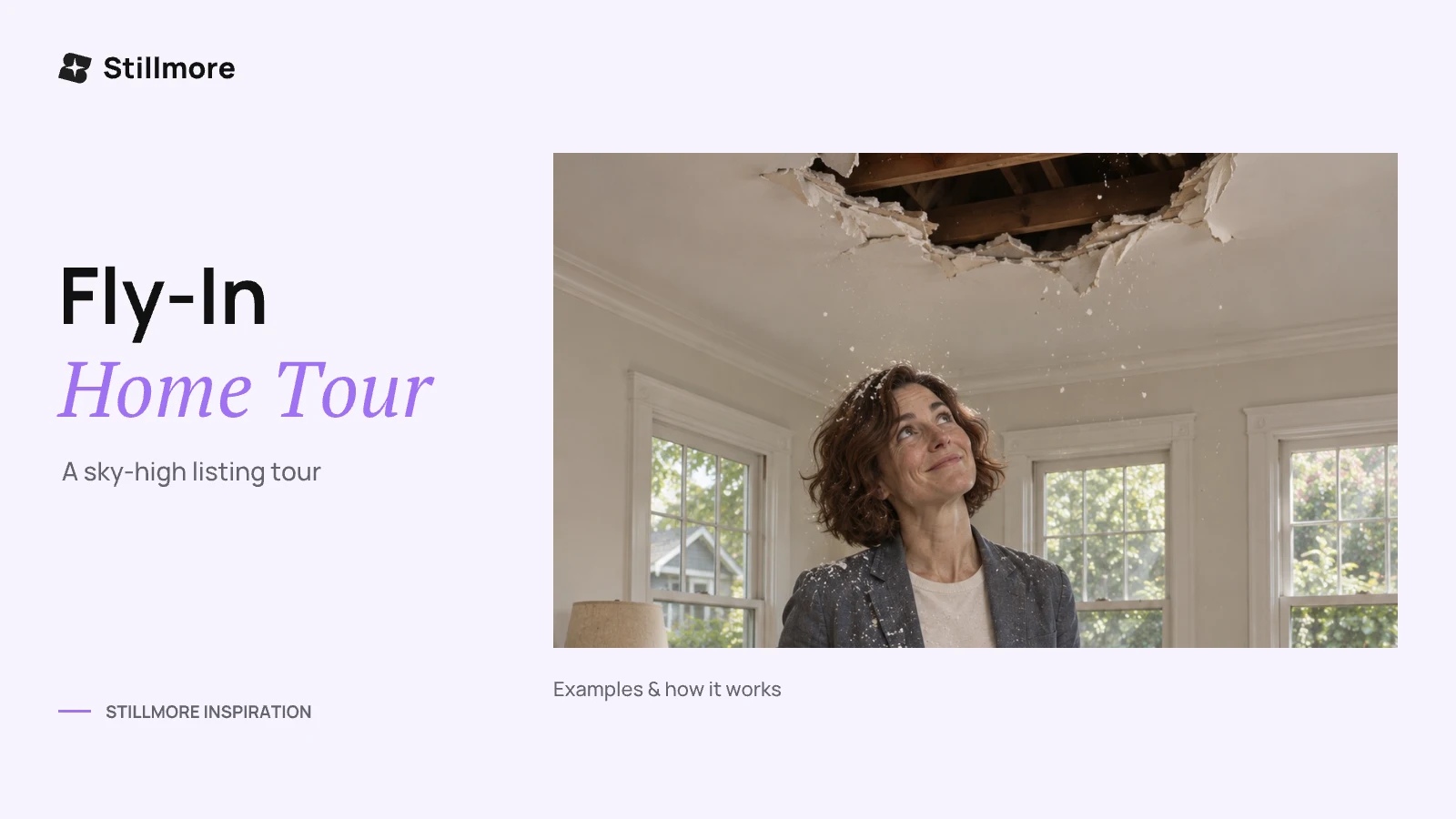
Preview Home Tour for a presenter-led introduction, or browse the real estate styles for a different opening.

FOUNDING OFFERSign up to unlock 35% off your first plan.

Need a listing video before the next showing? Send your property photos; our team creates the video and matching social caption.
Preview Home Tour for a presenter-led introduction, or browse the real estate styles for a different opening.
For Home Tour, upload 2–20 property photos and one photo of yourself. Name the rooms or features you want buyers to see.
Stillmore makes and checks the video. Download it with the social caption, confirm the listing details, and share it with buyers.
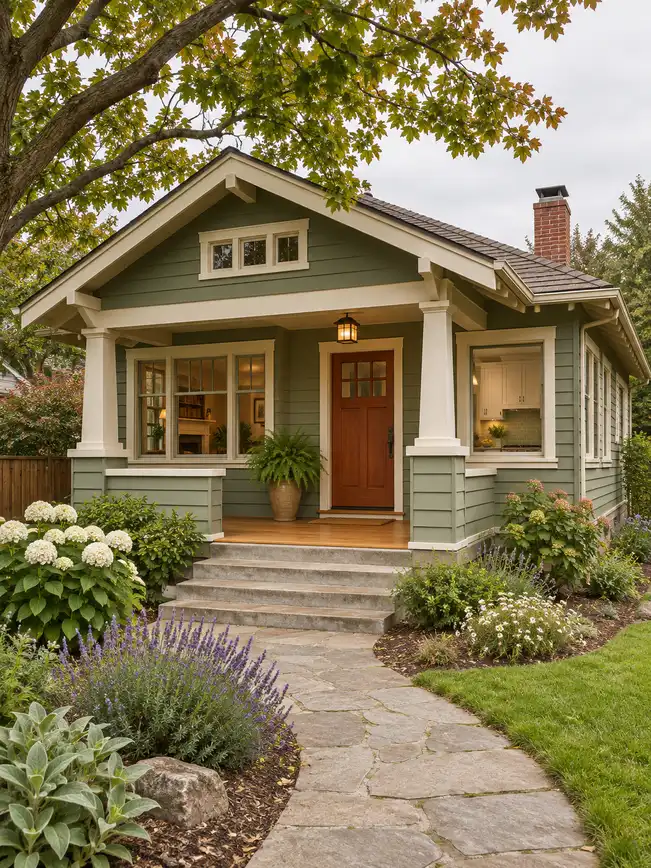
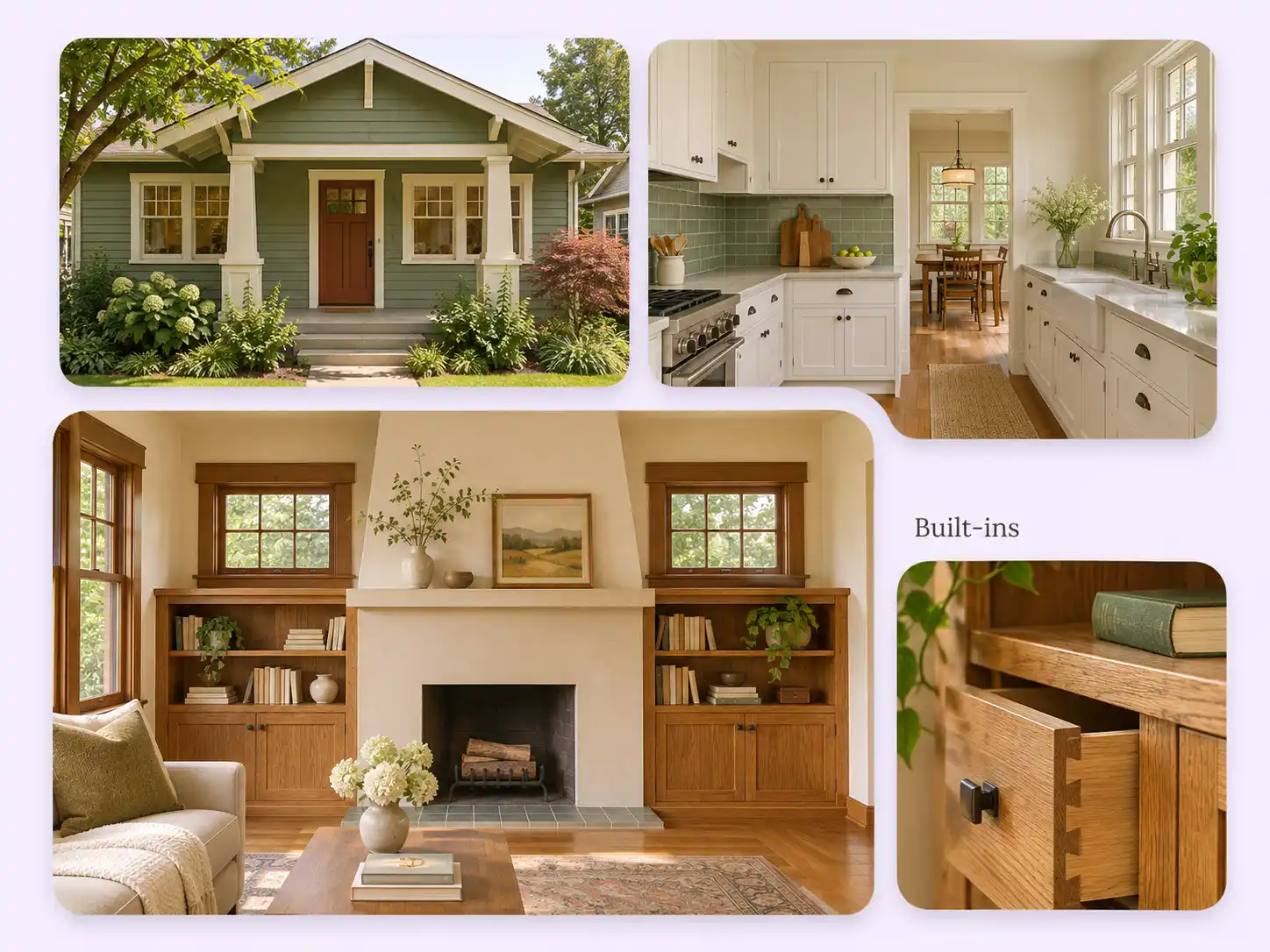
The bungalow below illustrates how to plan a tour. Your video starts with photos of the home you’re listing.
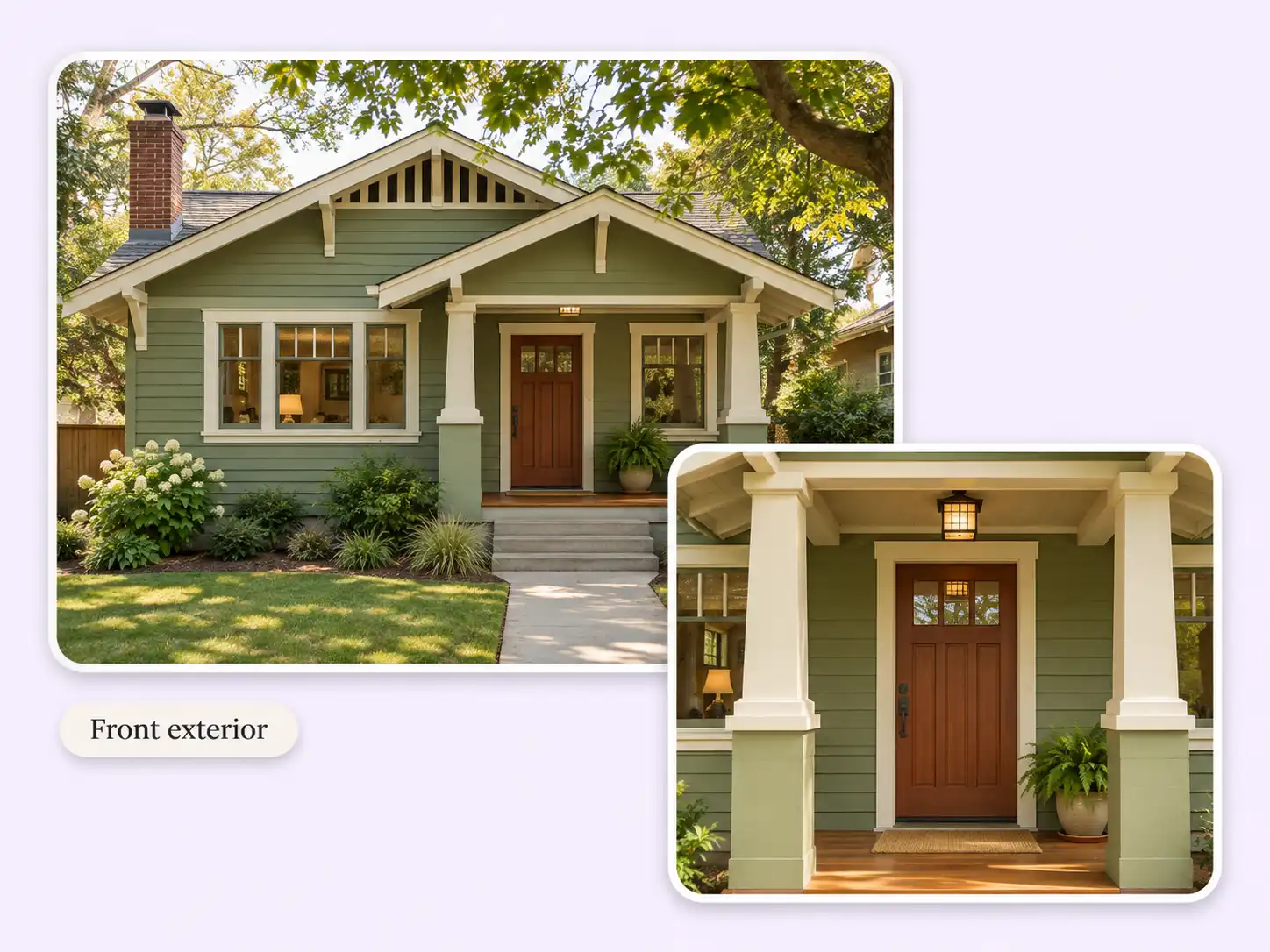
Buyers may recognize a home from the street before they remember its address. Give the team a clear exterior shot so your listing video can introduce the porch, entry, or front garden.
Two wide shots can make the same living room look like different rooms. Tell us which doorway leads to the kitchen so the team can put the views in an order buyers can follow.
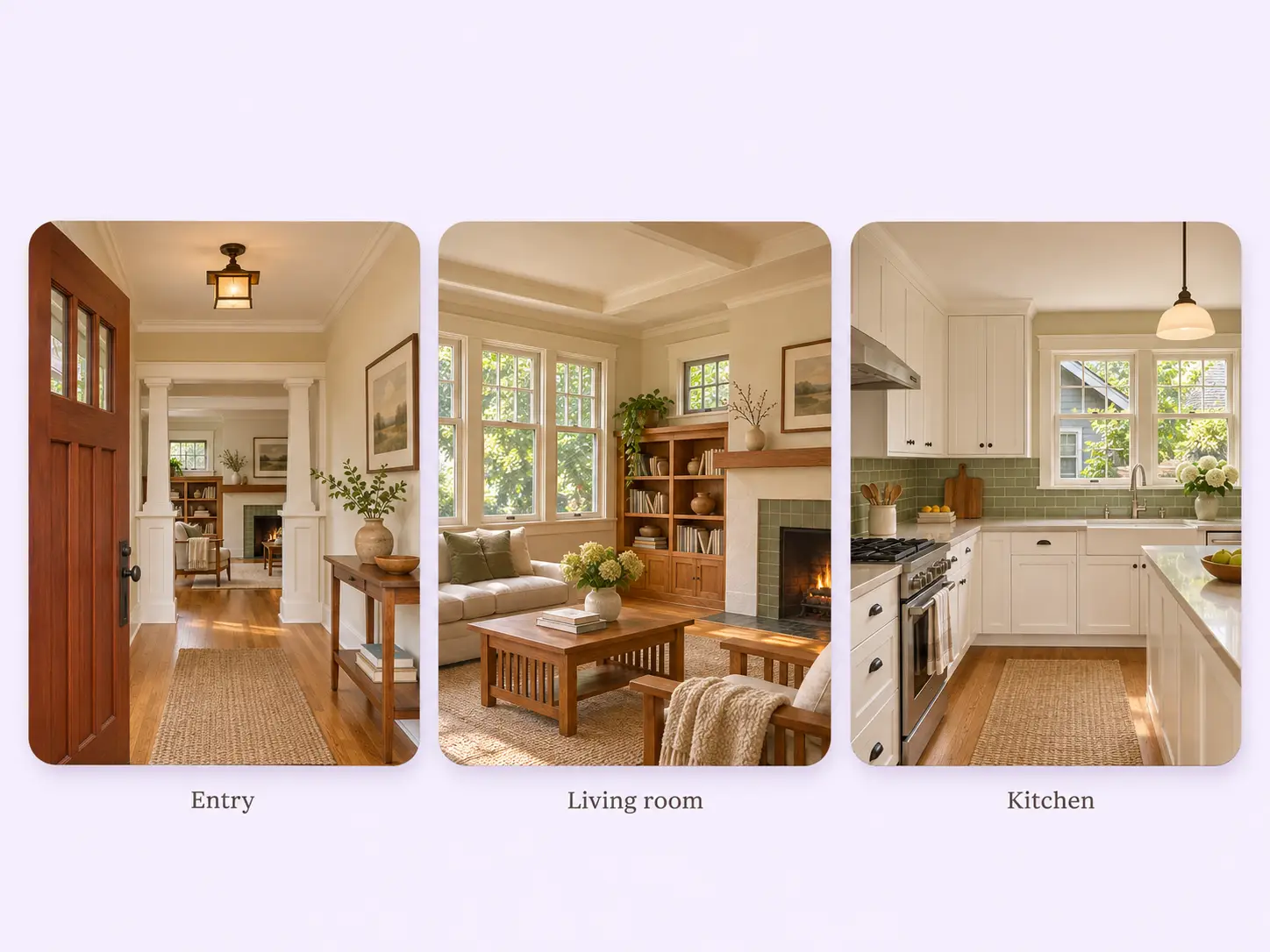
A close-up of oak shelves means more once buyers have seen the fireplace they frame. Send both views and name the feature; the team can give it a moment in the tour.
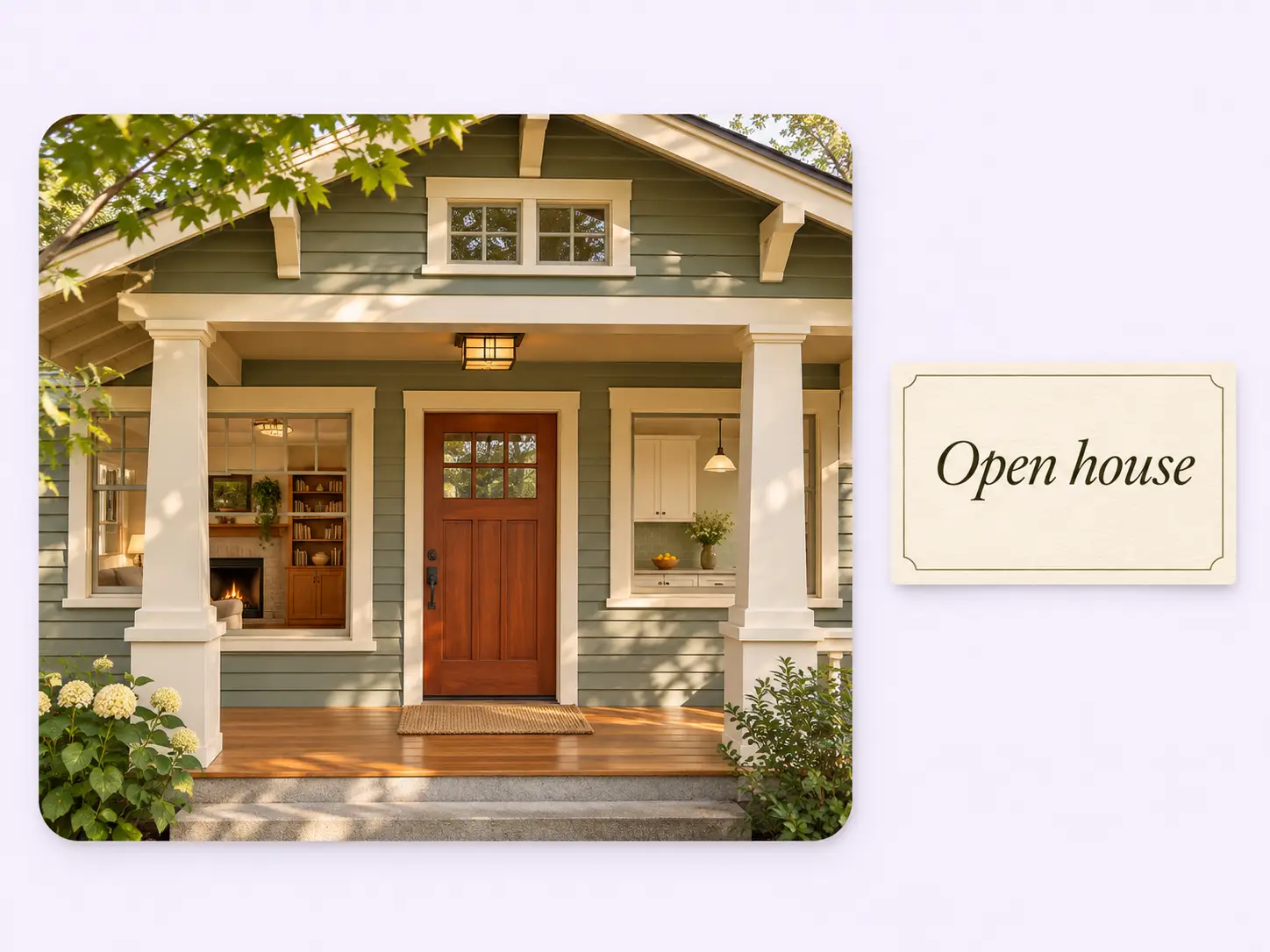
Give an open house post a purpose: show the porch where guests will arrive and a room worth seeing in person. Use the finished tour with your confirmed date, time, and showing instructions.
Once the edit is ready, you still need words for the post. Stillmore supplies a matching social caption; add the current listing link or your preferred contact details before you publish.
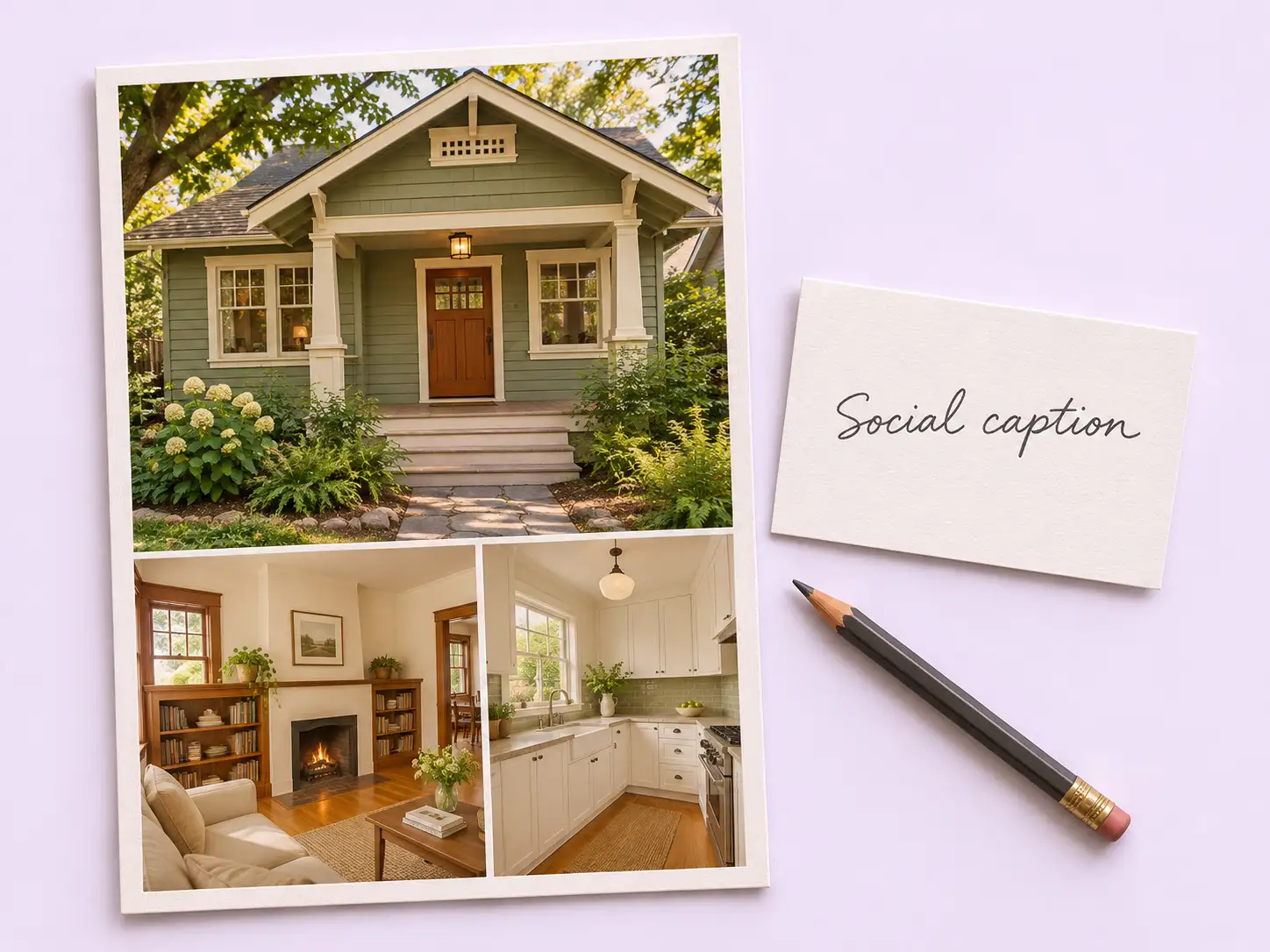
Adapt the closing line of your caption to the reason you’re sharing the tour.
Buyers decide from the first photograph whether they will even open a listing. Turning the photos I already had into a walk-through meant the flat was understood before anyone booked, and the viewings got better rather than more numerous. It runs the flat in the order a person walks it, so the place is understood before anyone books.

Bridget
I have one flat and no budget for photography. The video runs from the front door to the balcony in the order a person actually walks it, and the enquiries stopped being about the layout and started being about the move-in date. It goes from the front door to the balcony in the order you would actually walk it.

Aleks
Half my day used to be describing rooms over the phone. Now I send the clip before the call and we start from what they have already seen, which has made the whole process shorter. I send the clip before the call and we start from what they have already seen.
Noor
Choose Home Tour when you have a property and a presenter in mind. Submit the photos for that style; our team handles the edit and review.
Add suitable photos to your Library and enable automatic creation when your plan requirements are met. The team selects materials and styles and reviews the finished creative.
A listing video guides buyers through selected views in a set order. For example, show the living room before the close-up of its fireplace, so buyers know where that feature sits. This is a video to watch and share; buyers cannot navigate it like an interactive 3D tour.
Home Tour asks for 2–20 property photos and one photo of you as the presenter. Use current photos you have permission to use. A front view, a wide shot of the main room, and one distinctive detail make a useful starting set. Other styles list their own requirements.
Yes. Choose Home Tour and use the Property Highlights field to tell Stillmore what to emphasize. For example, name the built-in shelves beside the living room fireplace and include a photo that clearly shows them. The team makes and reviews the video.
Allow up to five days for a Home Tour request after your request, payment, and required materials are complete. Leave time before you announce the open house to check the finished video and confirm the date and showing instructions in your post.
For a listing video request, Stillmore delivers the finished video with a matching social caption. Download the creative from My Creations and check it against the current listing before sharing it with prospects.
You publish the video yourself. Stillmore supplies the creative and caption without needing your social account passwords. If you want to use the video on a listing portal or MLS, check its media and branding requirements first.

Choose Home Tour and send the photos you would show a buyer on their first visit.