FOUNDING OFFERSign up to unlock 35% off your first plan.

Stillmore author

Lan He

I'm Lan. Years of writing promotional and editorial work in the US, mostly for companies with big audiences and bigger expectations — where a single article might reach hundreds of thousands of readers, and where the good ones kept earning traffic long after the campaign ended.

36 published articles
Lan He

Articles by Lan He

1–6 of 36 articles

Figma Slides product-shoot brief with a cobalt presentation board and product photo references.

News

How to Use the Figma Agent in Slides for a Product Shoot Brief

Give the Figma agent in Figma Slides your product photos, a fact sheet and a promotion goal. Ask for a shoot brief, review the outline, then generate slides for the shop owner to check. You need an eligible paid plan and edit access to change the deck. For a reference clip, attach a still and describe the action. Move any unconfirmed offer into open questions before generating slides. Once the owner approves the brief, Stillmore can use the shop’s photos and facts to plan, produce and check the promotional image, short video and caption. The shop chooses when and where to post.

Lan He· 12 min read
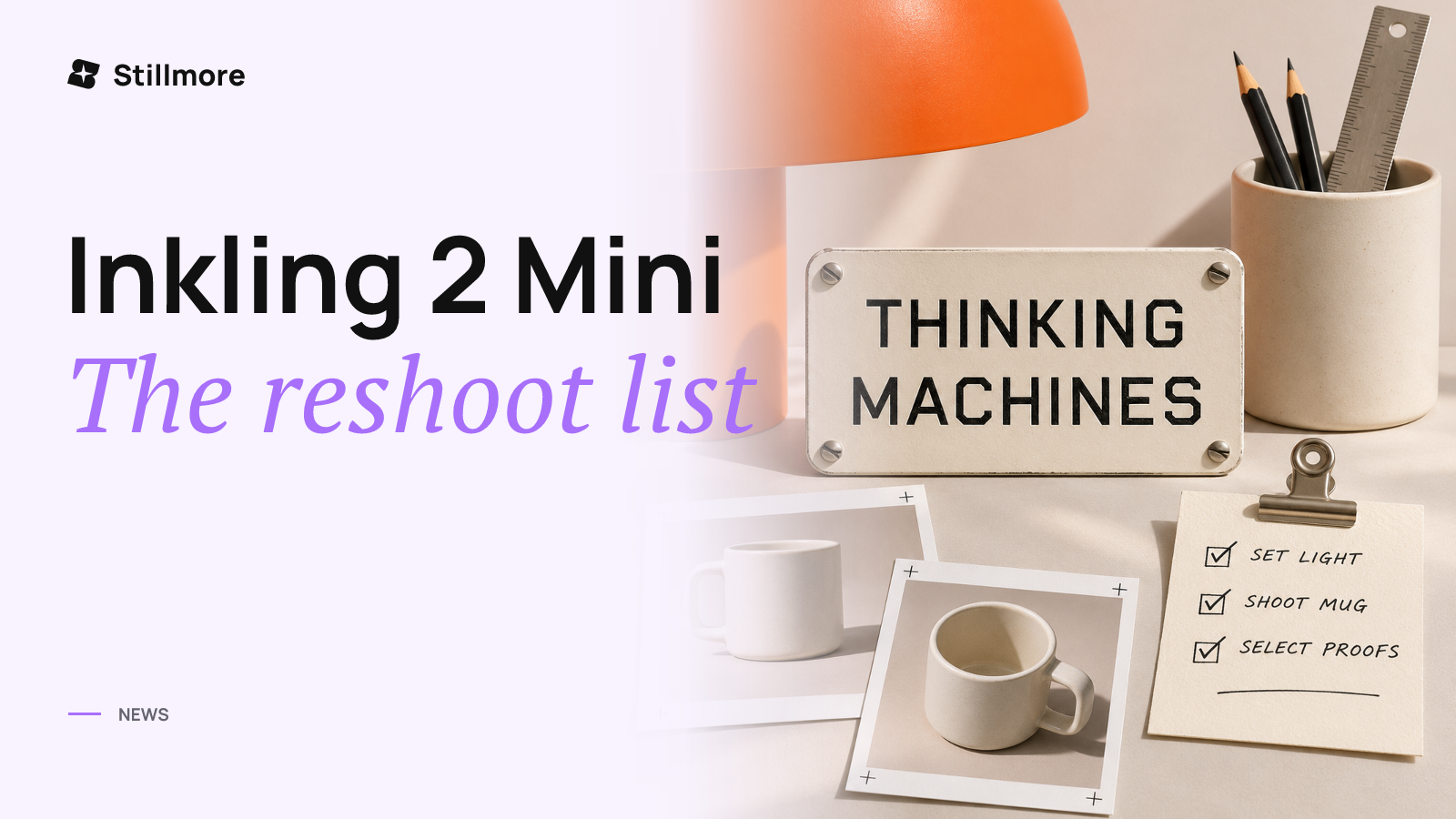
Thinking Machines wordmark beside ceramic mug photo proofs and a shoot checklist.

News

How to Use Inkling 2 Mini for a Product Photo Reshoot List

Give Inkling 2 Mini a product photo and one shopper’s question, then ask for a written list of views that would answer it. Hugging Face’s Transformers example takes a local image and a prompt together. A photo of a zipped pouch might show the pull clearly while leaving the inside a mystery. Check your existing photos before booking a reshoot. If you need a new shot, open the pouch and make sure its base is visible at posting size. Stillmore can use the checked photos and your product notes to make a finished social image or short video with a caption for you to publish.

Lan He· 11 min read
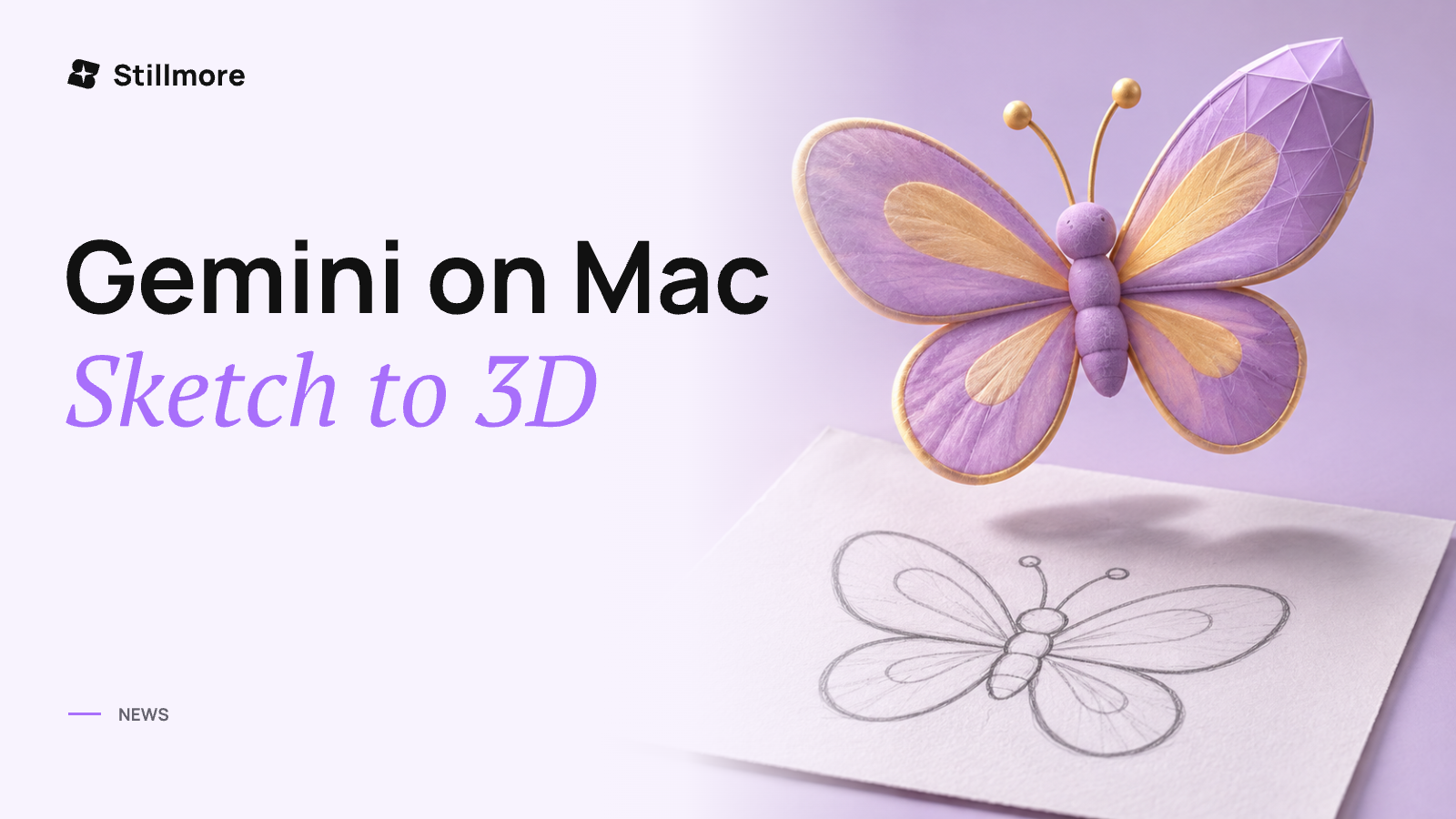
A lavender and gold 3D butterfly above its pencil sketch, illustrating a Gemini on Mac workflow with Blender.

News

How to Use Gemini on Mac to Turn a Mascot Sketch Into a Blender Scene

To turn a mascot sketch into a Blender scene, choose Task in the Gemini app for Mac, mention @Computer use, and ask it to work from a copy of the drawing. Give the scene a filename and ask Gemini to stop after the first pose. Google began rolling out Computer use on November 19, 2026, to eligible adult subscribers using personal accounts in English in the US. Reopen the draft in Blender and compare the mascot's outline and markings with the drawing. Once you approve a pose, you can give Stillmore a reference frame and your product photos. Its team can make the promotional image or video and caption for you to publish.

Lan He· 13 min read

More voices. More ideas.

Get to know the people behind the Stillmore blog.

Meet all authors ↗