



How to Write a Video Brief Using Photos You Already Have
SUMMARY
A photo of a ceramic brewer sitting on a mug makes a good opening shot. Will the editor know that the shop sells the mug separately? Follow a sample restock announcement from the first sentence of the video brief to the email you send with the originals. Copy the one-page example to map filenames to shots, record the approved wording about what buyers get, and name the person who signs off. Before sending, check that the editor can open each file and that the product link still matches the offer.
Contents
Write one sentence about who will watch the video and what you want them to do. Then give each photo a job and identify the details an editor needs to preserve. Send a one-page brief with the original files, the approved wording, and the name of the person who can answer questions.
Quick version
- Describe the video, its audience, and the action a viewer can take.
- List each photo by filename and explain where the editor can use it.
- Pair the product details that must stay accurate with a photo or a written source.
- Open the brief and folder as the recipient, then send them together.
Before you start
Gather photos you have permission to use for the promotion. Find the current product listing or packing note, and check where a viewer should go after watching. Keep the originals in a folder you can share. A logo file is optional unless you want the logo on screen.
For a hypothetical restock announcement, my shop has three photos of a blue ceramic pour-over brewer. One shows the brewer sitting on a mug. That photo tells an editor how the brewer fits over a cup. Only the packing note tells them what a buyer gets.
Step 1: Set the job
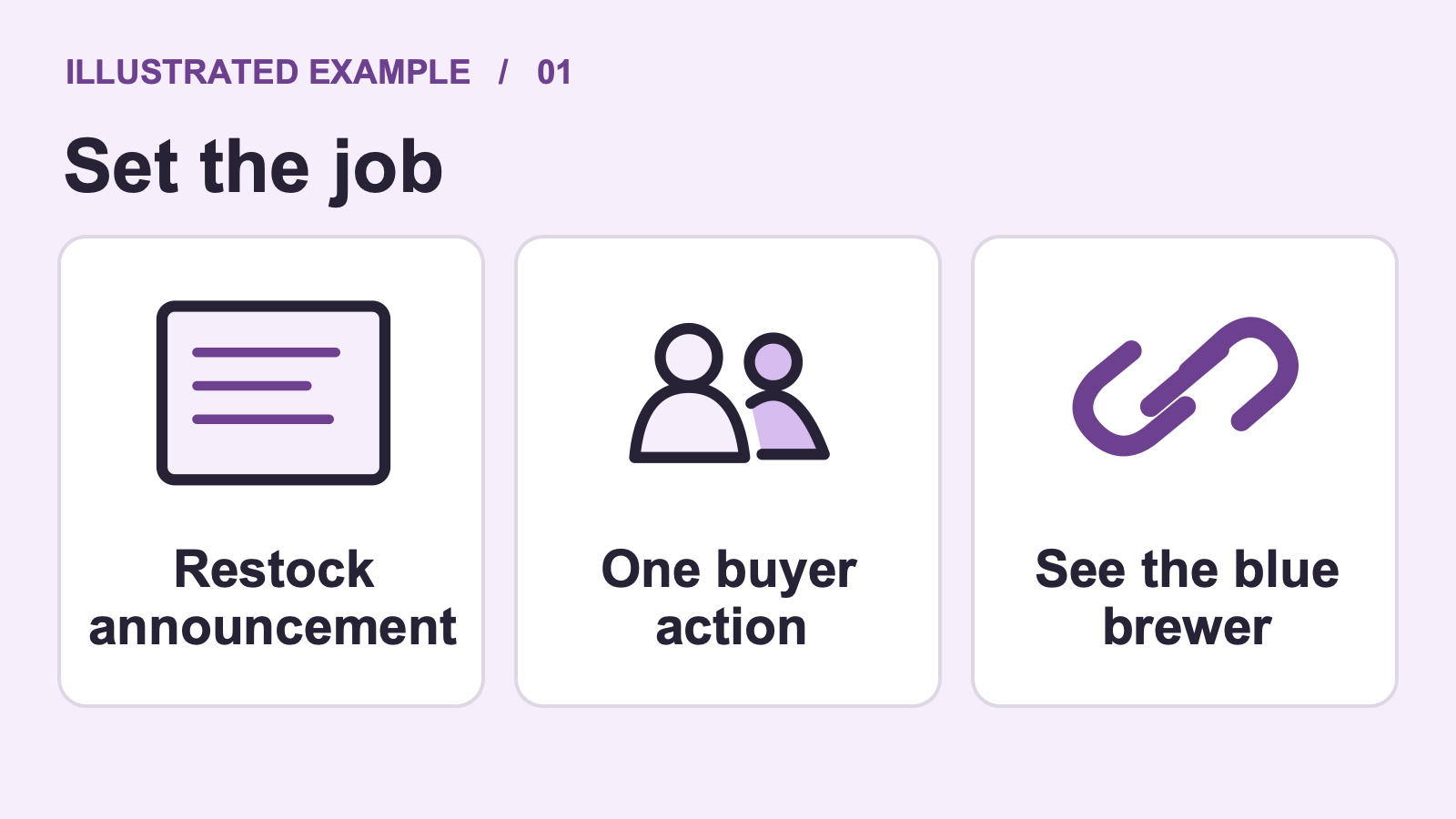
Write the assignment at the top of the brief. Mine reads, “Make one short vertical video for our shop’s Instagram Story. Show people who asked about the blue brewer that it’s back in stock. End with ‘See the blue brewer.’” I’ll add a link to the brewer’s listing when I post the Story, so I ask the editor to leave room for it on the last frame.
Follow the proposed link as a customer. If it still opens an old waitlist, fix the destination or change the assignment. For this Story, “See the blue brewer” should take a shopper straight to the listing where the blue brewer is available to order.
Illustrative example.
Step 2: Index the photos
Open each original and write its job beside the exact filename. In the brewer folder, two photos belong on screen. The third is there so the editor can read the label.
| File | What the editor needs it for |
|---|---|
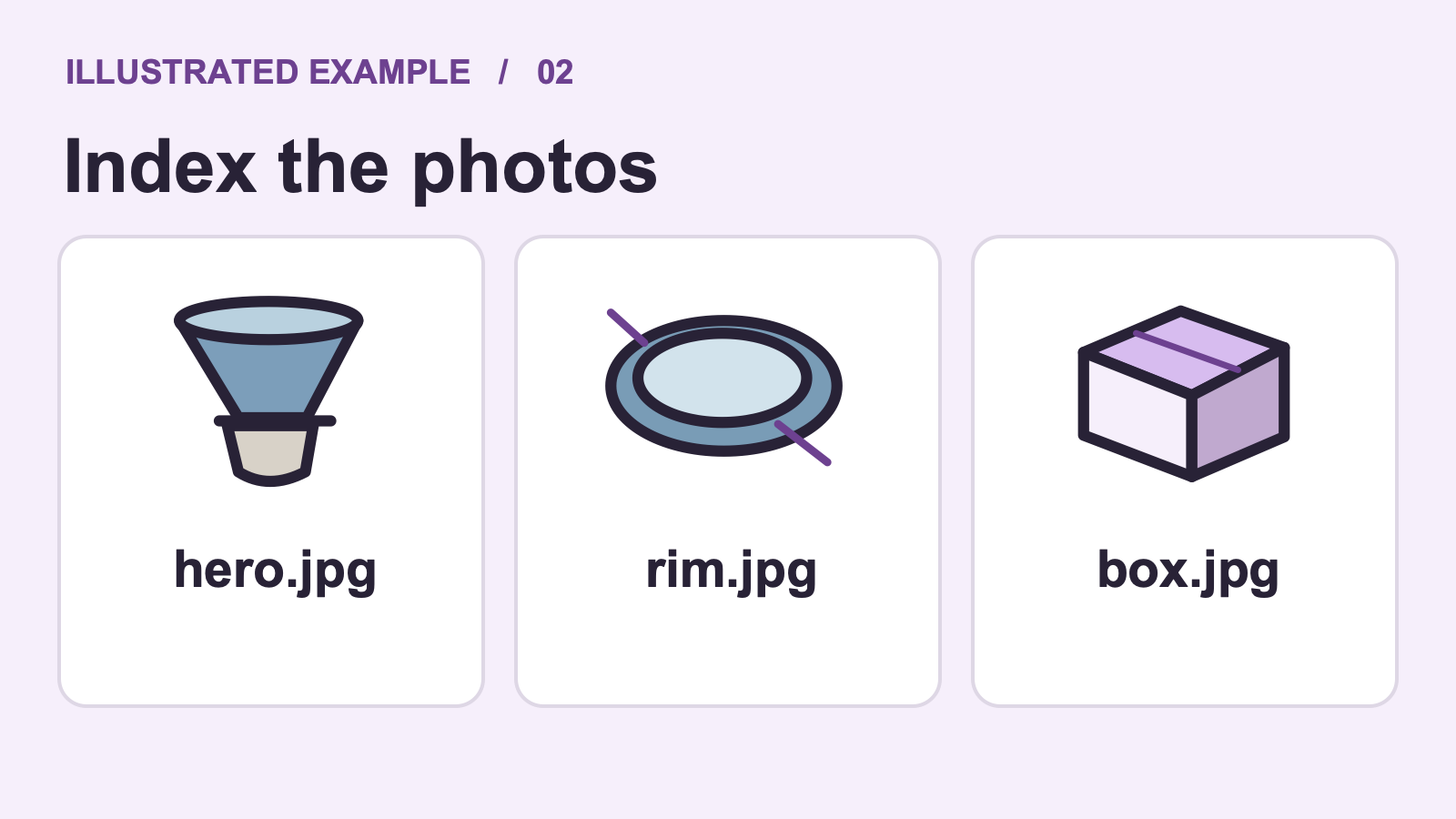
| hero.jpg | Open on the whole brewer. The mug under it shows how it sits in use. |
| rim.jpg | Use a close-up of the rim. This is the reference for the matte blue glaze. |
| box.jpg | Reference only. Use the current box to check the printed product name. |
Give each file the same name in the brief and the folder, including the extension. Try finding the finish reference from the index alone. An editor who can go straight to the close-up has enough direction to choose a crop.
Illustrative example.
Step 3: Mark fixed details
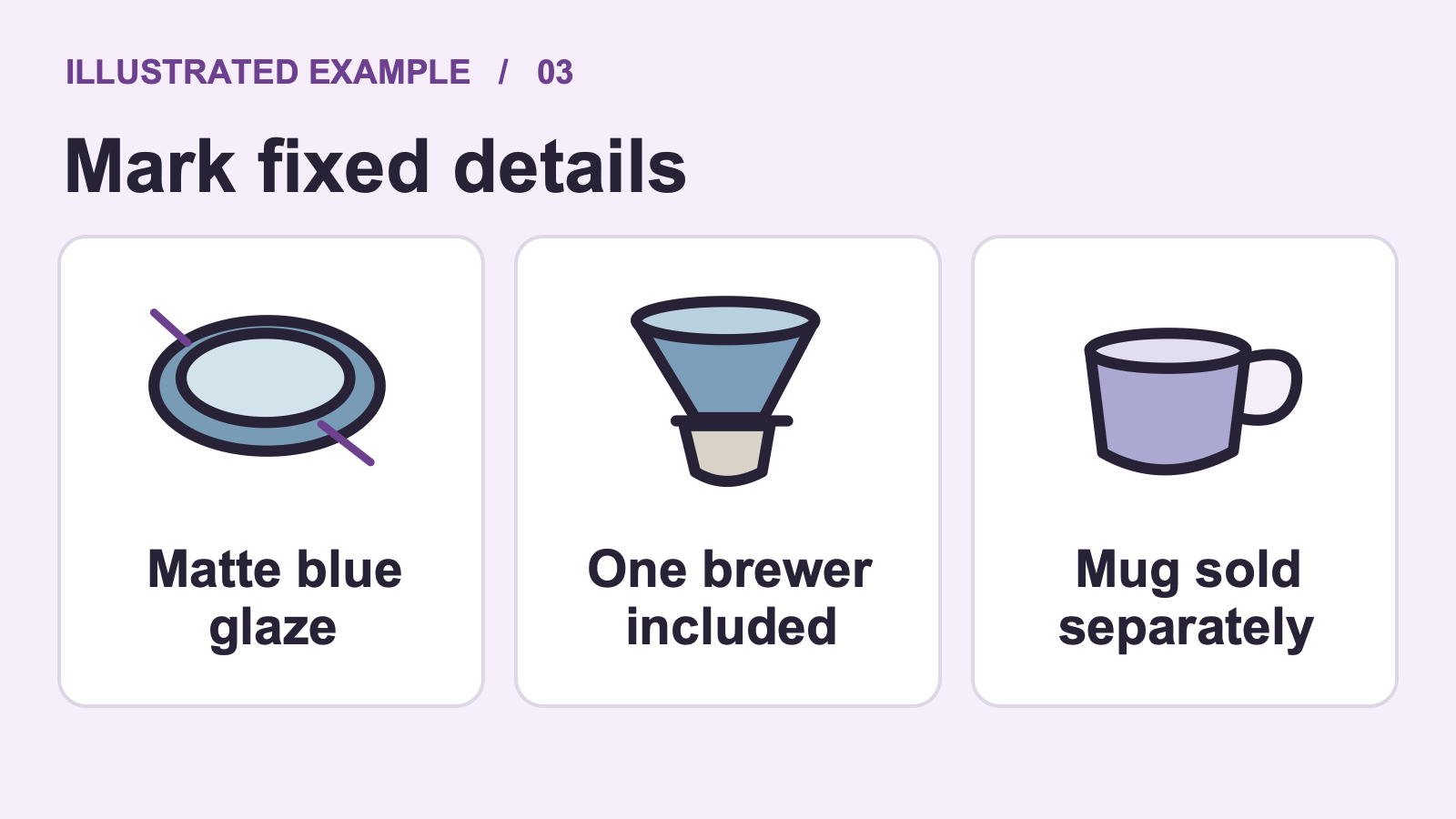
Write down each detail a buyer could misunderstand and where you checked it. I use rim.jpg for the finish. For the contents, I check the shop’s current packing note and copy the product information into the brief. Each order contains one brewer. The shop sells the mug and filter separately. Customer names, addresses, and order numbers stay in the shop’s records.
The editor can choose how long to hold the close-up. I specify the caption that goes with the mug shot because a shopper could reasonably think the mug comes with the brewer. Check this part of your brief on its own. The editor should be able to find the finish reference and copy the approved contents line without opening a private order record.
Illustrative example.
Step 4: Send a checked brief
Copy this example into a document and replace the shop details, including the approver’s name. Send the brief with the originals and a link to the product listing. The example uses one email thread so the editor can reach the owner even if the shared folder won’t open.
Blue brewer restock
Make one short vertical Instagram Story for shoppers who asked when our blue ceramic pour-over brewer would be back. Open with “The blue brewer is back in stock.”
Photos · In the Blue Brewer folder linked in this email, open on hero.jpg. Keep the whole brewer visible above the mug. Cut to rim.jpg for the matte blue glaze. Use box.jpg only to check the printed name.
Contents · I confirm from our current packing note that each order contains one brewer. Use “Brewer only. Mug and filter sold separately.” on the mug shot.
Last frame · End with “See the blue brewer.” Leave room for the listing link I’ll add when I post.
Approval · Reply to me, Jo, the shop owner, with the draft. If a folder link fails, tell me which file you need. If the linked listing shows “Sold out,” flag the opening line in the same thread and hold the restock message until I confirm the new wording and destination.
Open the folder link using an account with the editor’s permissions, or open the attached copies if you’re sending files. Check that all three originals open and that the listing still supports the opening line. Send the brief and files together, then ask the editor to reply in the same thread with the name of the opening photo and any wording they need you to confirm. That reply tells you whether the handoff worked.
Illustrative example.
Common mistakes
- Sending a styling photo without explaining the props. A mug in the opening shot can look like part of the purchase. Put the approved contents line beside that filename.
- Relying on the folder order. Files may sort differently on the editor’s computer. Name the opening image in the brief.
- Leaving an old offer in the photo. Zoom in on box labels and sale stickers before handoff. Flag an outdated box shot as reference only, or replace it if the editor needs packaging on screen.
FAQ
What should I send with my product photos?
Include the brief, a filename index, the approved product wording, and a way to reach whoever can resolve a discrepancy. If a logo must appear, send the logo file and say which version belongs on the video.
How do I tell an editor which product details must stay accurate?
Name the feature and its reference in the same sentence. For example, “Use rim.jpg for the matte finish.” For something a picture cannot prove, such as the number of items in a box, include the owner’s verified contents statement in the brief. An editor can then check the caption even if the shop’s packing records are private.
Can I write the brief if I only have one usable photo?
Yes, if it shows what the video promises. Specify a whole-product view and any crop that stays clear at the intended size. If the underside matters and the photo only shows the top, choose another detail to feature or supply the missing view.
What if the product sells out after I send the brief?
Reply in the original handoff thread and ask the editor to hold the restock Story. If you now have an active waitlist, open the signup page first. Then send the editor its link and your approved replacement for the opening and last lines, such as “The blue brewer is sold out” and “Join the waitlist.”
Who handles production when I use Stillmore?
You supply the photos and current business details. Stillmore’s team chooses the photos for the piece, produces it, and checks it before delivery. You decide when to publish. Inside Stillmore’s creative production workflow
Keep a copy of the brief you send. When the first cut arrives, use its filenames and approved wording to check what appears on screen. How to review a product video draft and give feedback

About the author
Lan He
I'm Lan. Years of writing promotional and editorial work in the US, mostly for companies with big audiences and bigger expectations — where a single article might reach hundreds of thousands of readers, and where the good ones kept earning traffic long after the campaign ended. I learned what makes a page survive that: one clear audience, one real question, images that show the actual work, and a structure that keeps people reading. Now I write for small business owners who do everything themselves, answering the questions they actually ask: what's worth posting, which photos are worth taking, and how to tell one story across images, video, and words. I've seen good content carry a small company further than its ad budget ever did.
Give them a reasonto stop by.
Send us your phone photos. Get posts ready to share.
See what we can make
Keep exploring
All stories ↗- How it works
How to Add Music to a Video in Clipchamp
An eight-second clip of a potter packing a mug shows how to add background music while keeping a spoken line clear. Follow the edit in Clipchamp on a computer, from choosing a track you have permission to use to lining up the last chord with the closing shot. Adjust the music on its own track while listening to the potter’s voice. After export, open the saved video on your phone and check that the first chord, the words, and the ending all come through.
- How it works
How to Create a Product Demo Video for a Physical Product
What would a shopper need to see to understand how your product works? Use a folding phone stand as an example to plan three shots that answer one question. Choose a camera angle that shows the moving parts, film the action in one take, and trim the clips without cutting away the moment that matters. Once you save the video, play it on a muted phone. If a viewer misses a step, use what they missed to decide whether to move a label or film the action again.
- How it works
How to review a product video draft and give your editor feedback
Suppose your coffee shop’s new video shows last season’s packaging and ends with an expired discount. Follow this example to check your own draft against a current product photo and the offer customers can use. Copy the feedback table to tell your editor which shot to replace, when it appears and what belongs there. Once you’ve agreed on the required fixes, watch the revised cut from start to finish and record which file is ready to publish or what still needs work.